

Team name and contact email
The Team panel at the top of Settings shows your team’s name and contact email. Click your team’s logo to upload a new one, or click Edit to change:- Name — your team’s name as it appears throughout Denada.
- Email — used for private communications between the Denada team and yours.
- Newsletter — opt in to receive occasional (about once a month) updates about Denada. You can also opt in when you first create a team.
AI image generation
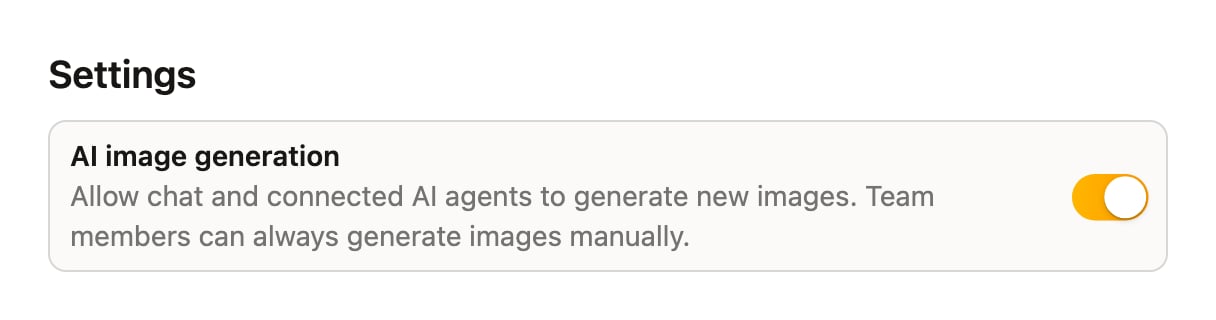
The Settings panel contains the AI image generation toggle:Allow chat and connected AI agents to generate new images. Team members can always generate images manually.This is off by default. When it’s off, Denada and any connected AI agents won’t create new AI images on their own — they’ll work with the images already in your image library. Team members can still generate images themselves in the app at any time. Turn it on if you want Denada to be able to generate imagery while building projects for you.
Project statuses
The Project statuses panel defines the workflow statuses your team can assign to projects — Draft, In review, and Approved to start. Click Add status to grow the list, or click any status to rename it, change its color, reorder it, or mark it as the status that means approved or completed.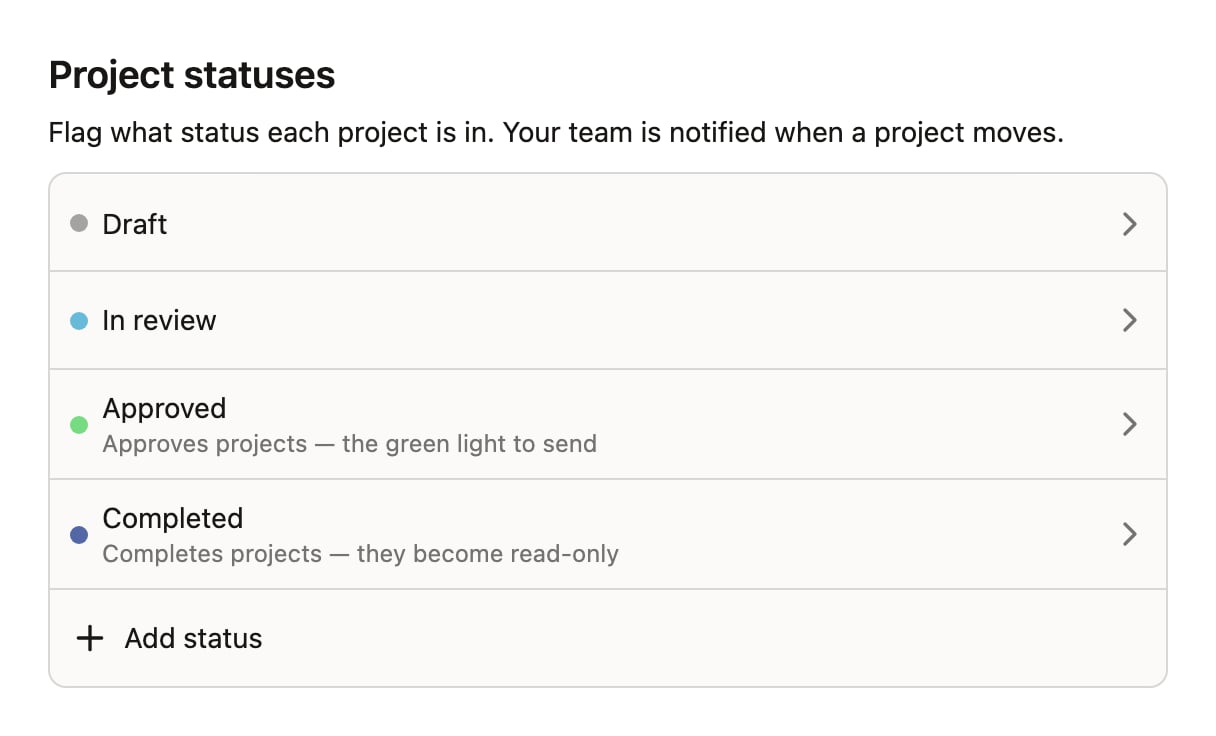
More workspace-wide settings will appear here as Denada grows.