

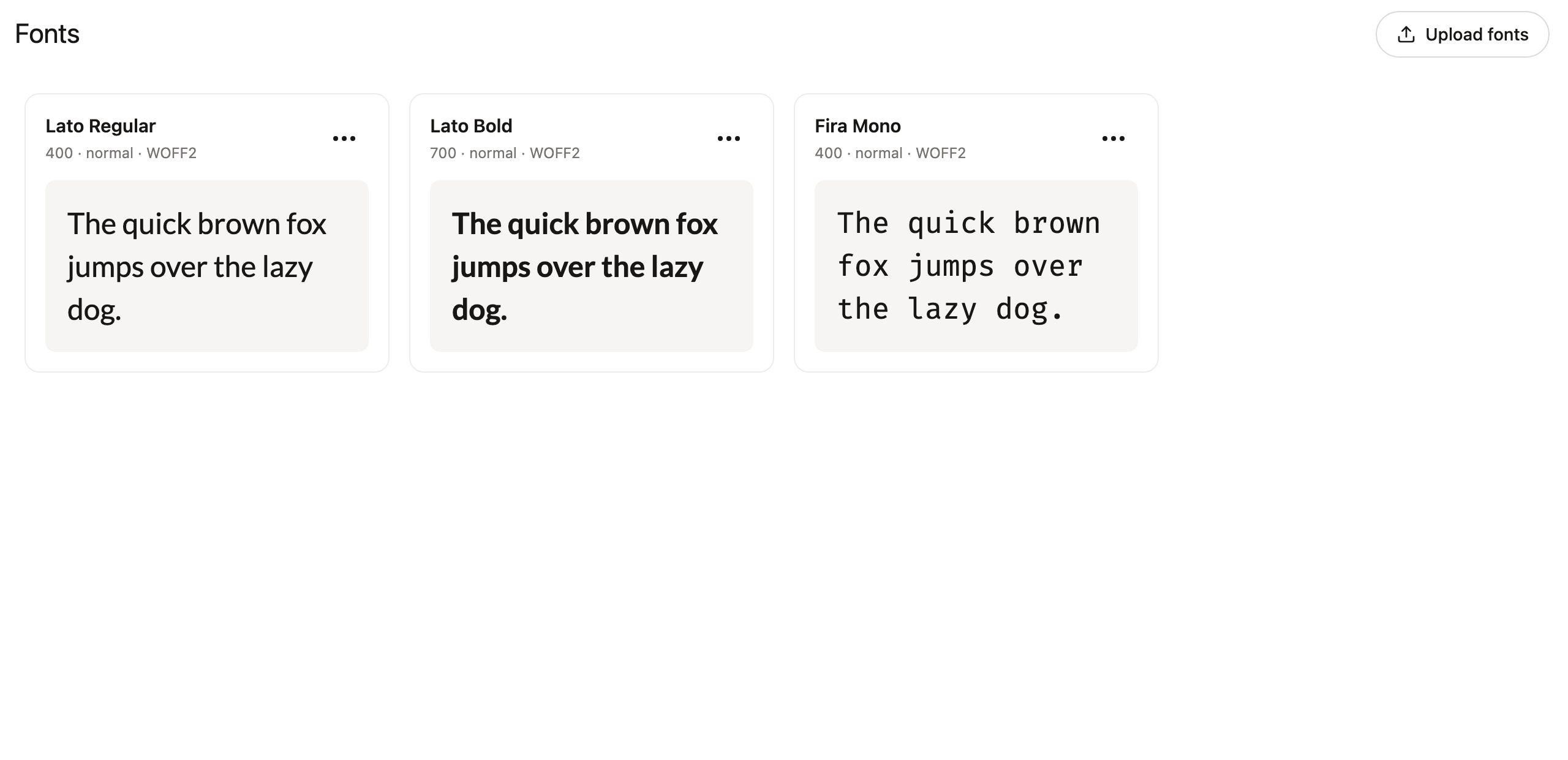
The Fonts section appears in the sidebar for members with the Libraries permission, since hosted fonts are used when building libraries. Team owners can grant the permission in team settings.
Upload fonts
Drag font files anywhere onto the page, or click Upload fonts to browse. Denada accepts WOFF2, WOFF, TTF, and OTF files, and reads the family, weight, and style from the filename — uploadLato-Bold.woff2 and it arrives as Lato at weight 700.
Each hosted font gets a card with a live preview, so you can confirm at a glance that the file renders the way you expect.
Use a hosted font in a library
Fonts are loaded in your library’s shell — the outer HTML document that wraps every block. Open the ⋯ menu on a font card and choose:- Copy @font-face CSS — a ready-to-paste
@font-facerule pointing at the hosted URL. Paste it into the shell’s<head>styles, then use the family name in your blocks. - Copy public URL — just the permanent file URL, if you prefer to write the CSS yourself.
Manage fonts
From each card’s ⋯ menu you can also:- Rename — give the font a friendlier name for organizing; this does not change the CSS font family.
- Download — retrieve the original file.
- Delete font — remove it from the Fonts page. Emails you have already sent may still reference the hosted URL, so deleting is about tidying the list rather than revoking the file.
Fonts and AI agents
Connected AI agents can work with hosted fonts too: thelist_fonts tool returns each font’s family, weight, and CDN URL ready for @font-face rules, and create_font hosts a new font from a download URL. This lets an agent building or restyling a library wire up your brand typography end to end. See Agent capabilities.